How to invite new user
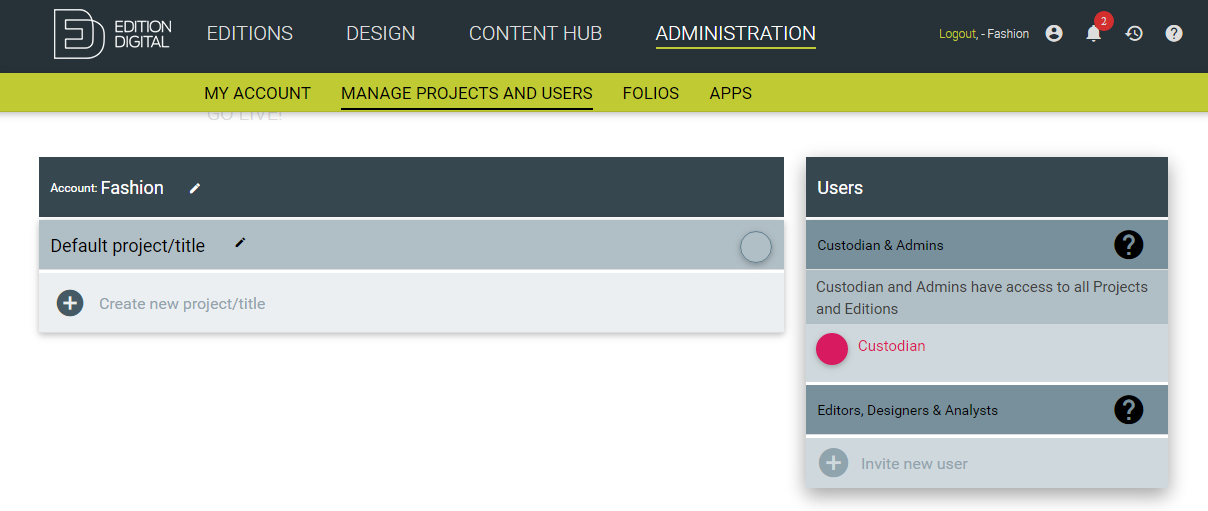
To invite your team member into your account open MANAGE PROJECTS AND USERS under ADMINISTRATION tab and click on Invite new user.
In pop up window provide the user information for a team member you want to invite and select user's role. Only account custodian and admin can invite new users.
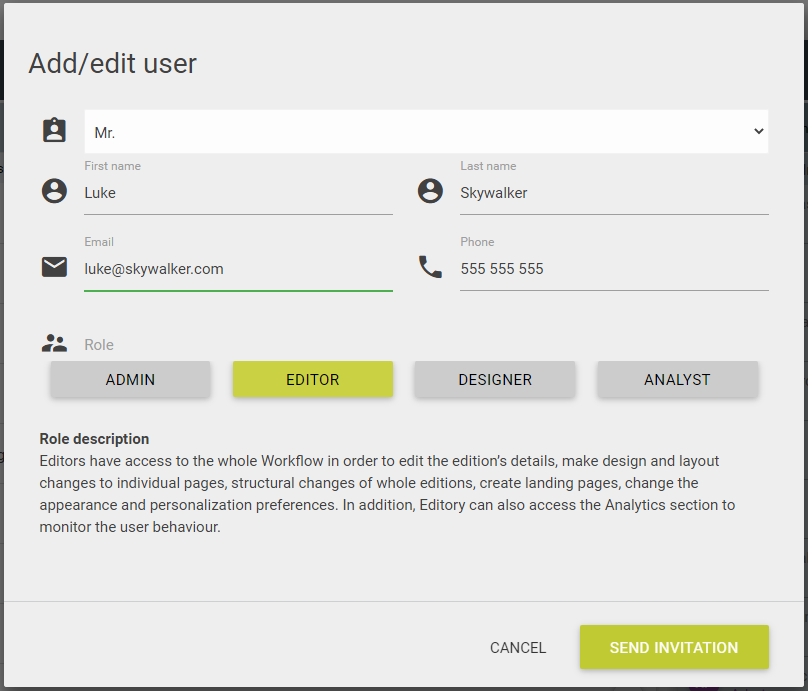
When you click on SEND INVITATION button invited user get's the activation email and is prompted to set the password.

Have something specific in mind? Don’t worry, just type what you are looking for. Here is our searchy searched.